Email us at remote@harrainc.com OR message us on Facebook: @harravirtualcareers

Training Course Registration Form
How to Register
Make sure you have paid the training fee for the course you wish to enroll in before completing the form.
How to Pay Through GCash:
- Open the GCash app.
- Click on "SEND" and enter the following number: 09616090576 (Alawi Mandangan).
- Type in the amount you want to send.
- Tap Confirm or Submit to complete the transaction.
- Make sure to download or take a screenshot of the "Payment Confirmation."
- Return to this page and fill out the form to reserve your slot.
How to pay a GCash number using your Bank.
- Log in to your bank’s mobile app or website.
- Go to "Money Transfer" or "Transfer to Other Bank" (choose InstaPay).
- Select GCash as the destination bank.
- Enter 09616090576 as the account number. Name: Alawi Mandangan
- Type in the amount you want to send.
- Tap "Confirm" or "Submit" to complete the transaction.
- Make sure to download or take a screenshot of the "Payment Confirmation."
- Return to this page and fill out the form to reserve your slot.
Ready to Join? Fill out your details below.
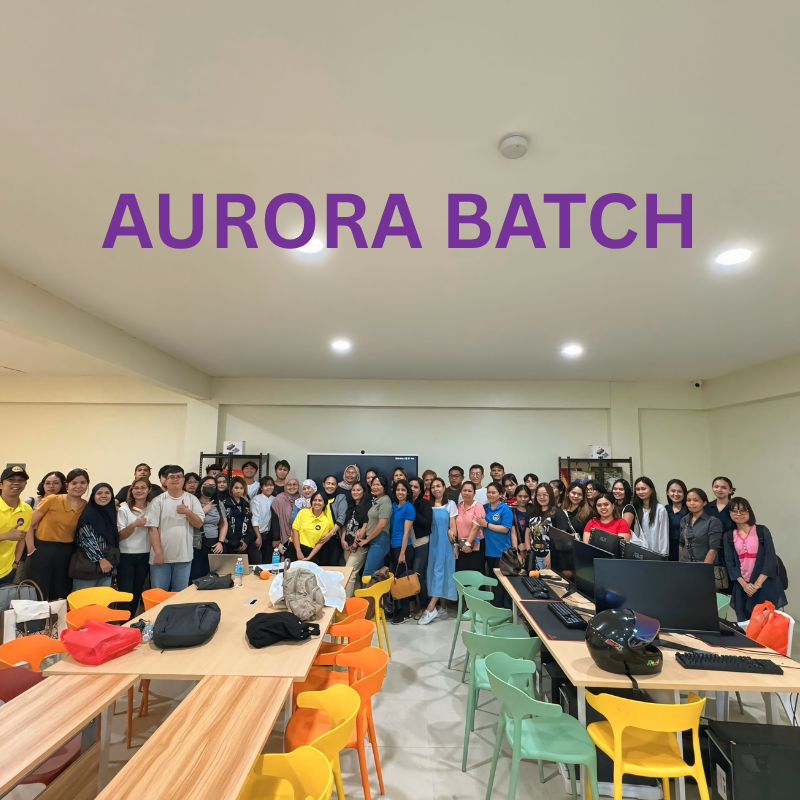
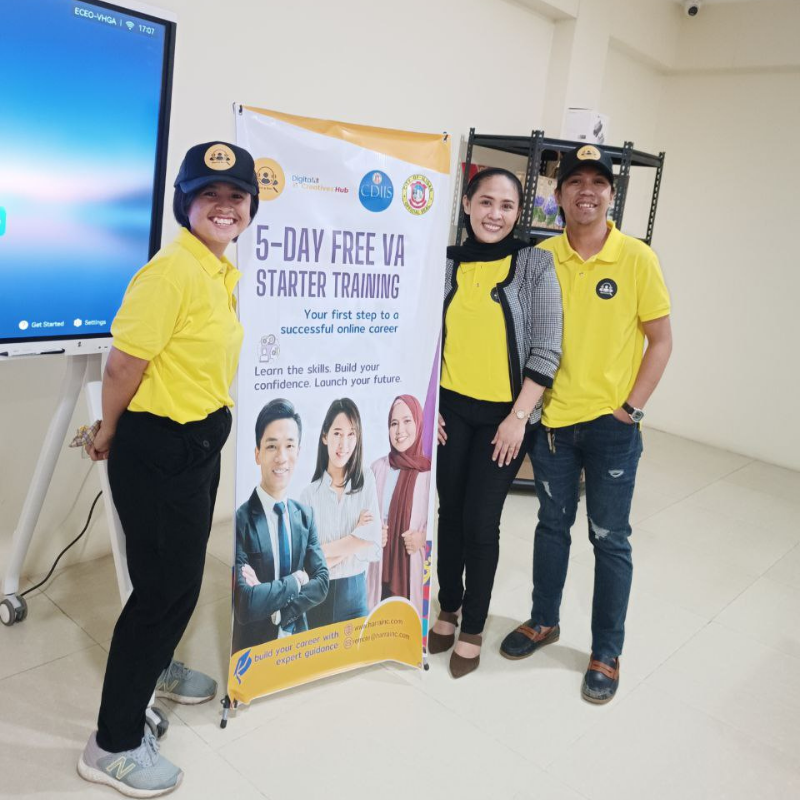
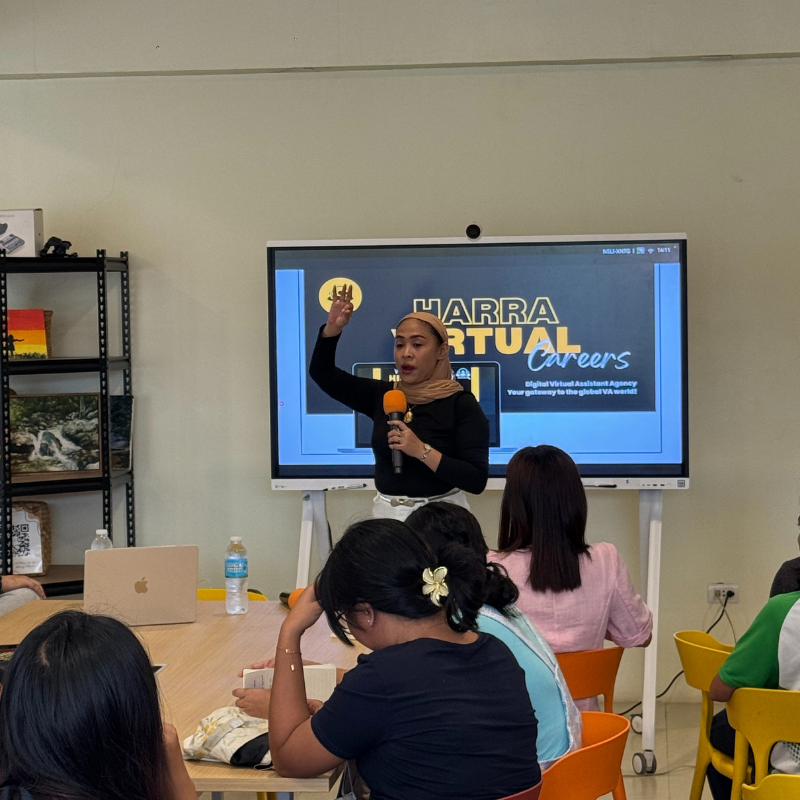
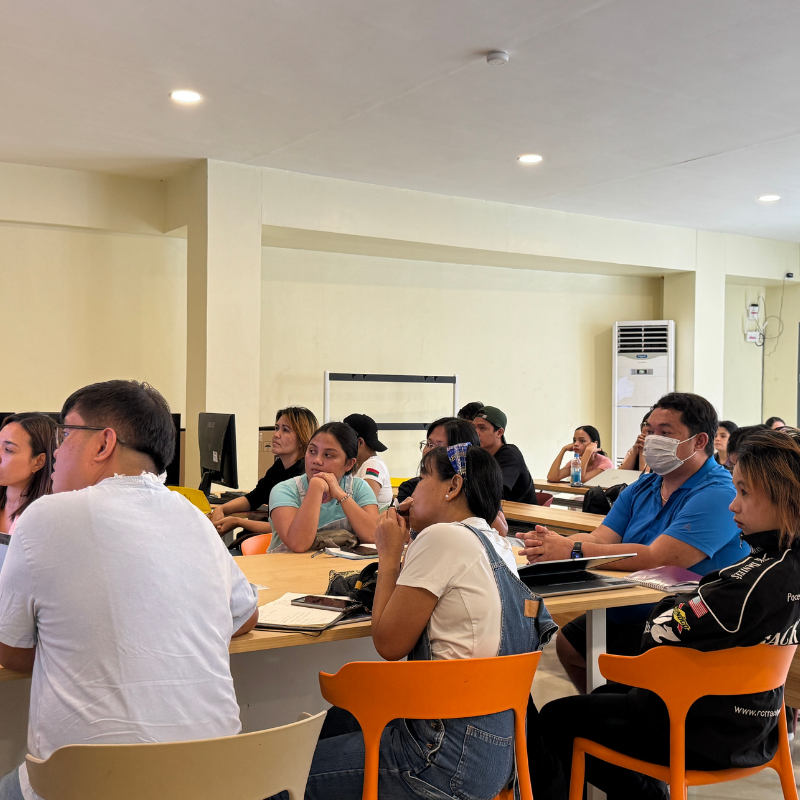
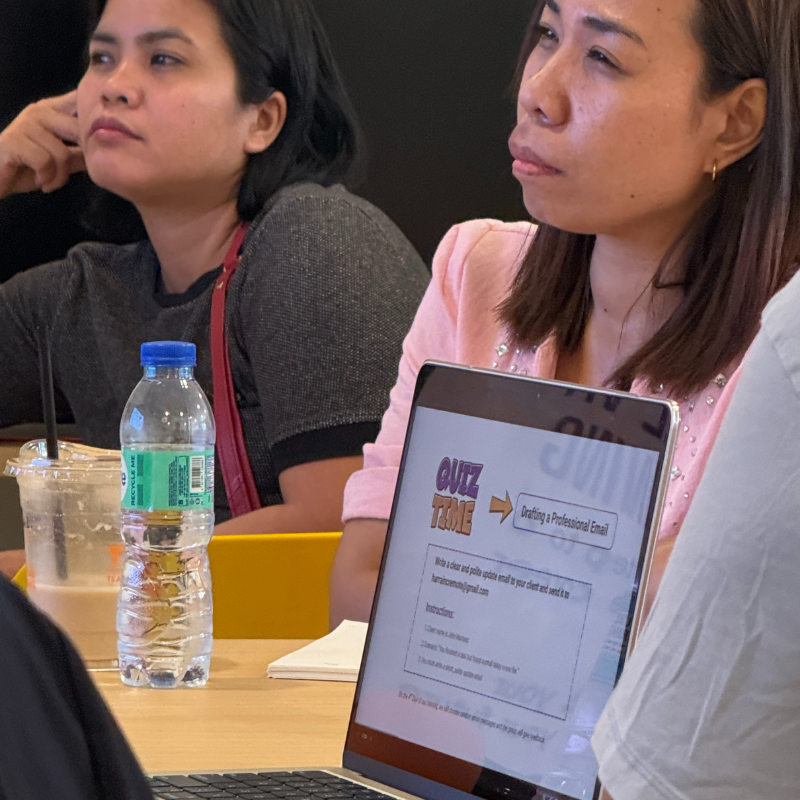
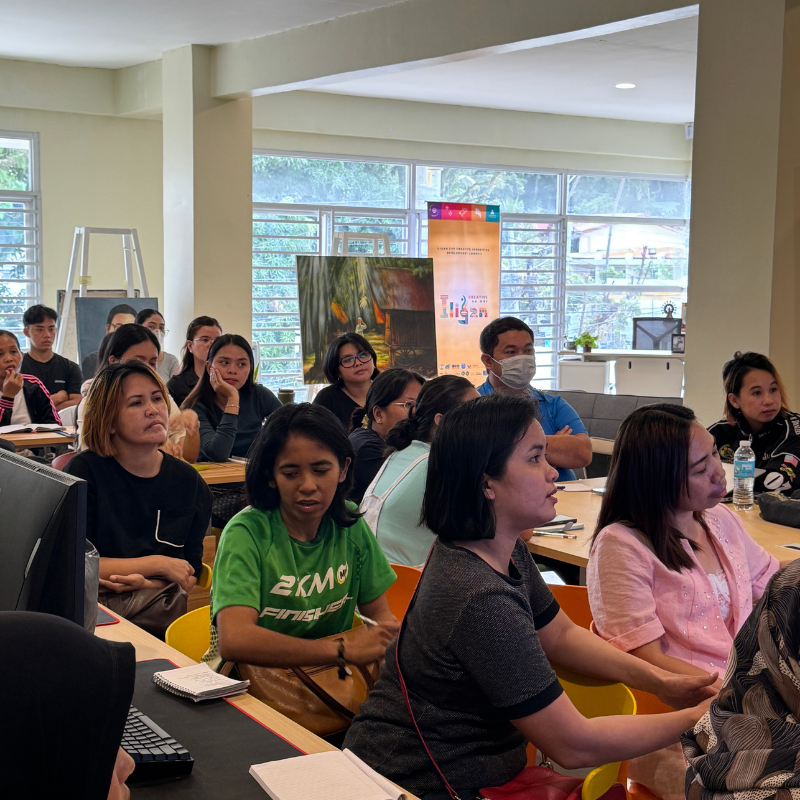
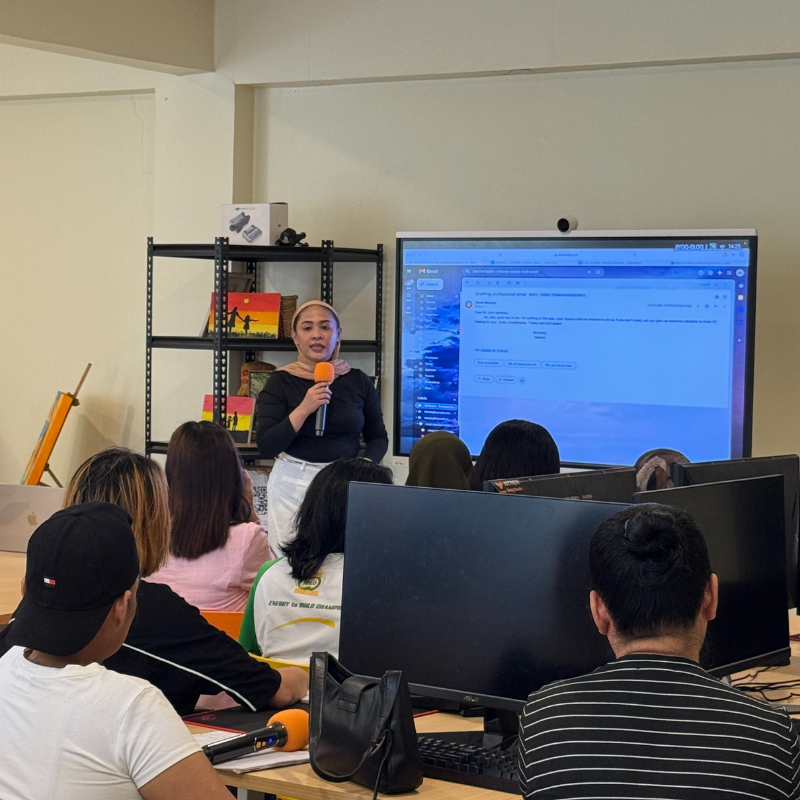
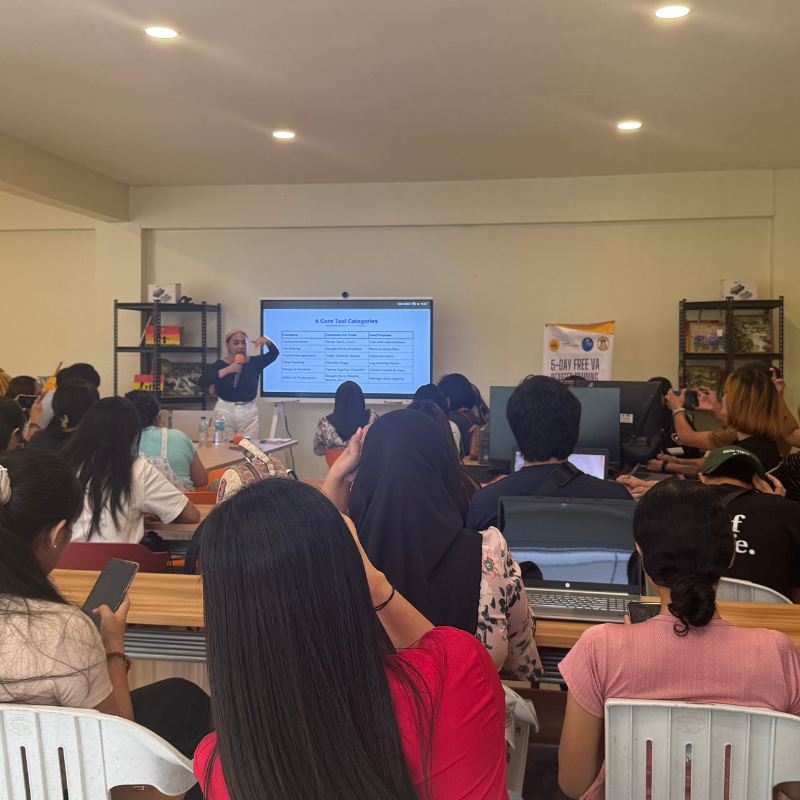
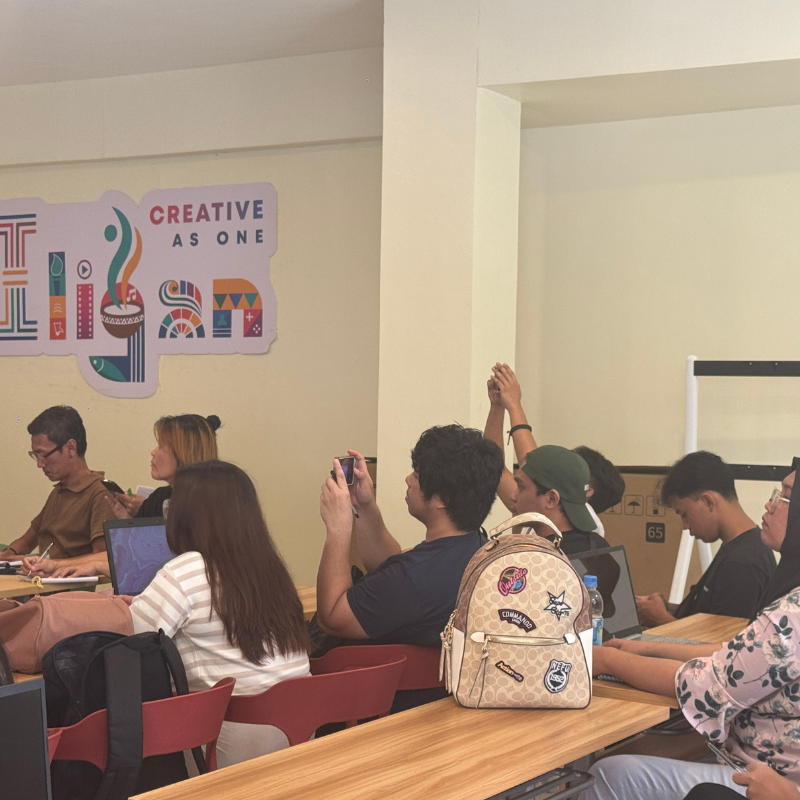
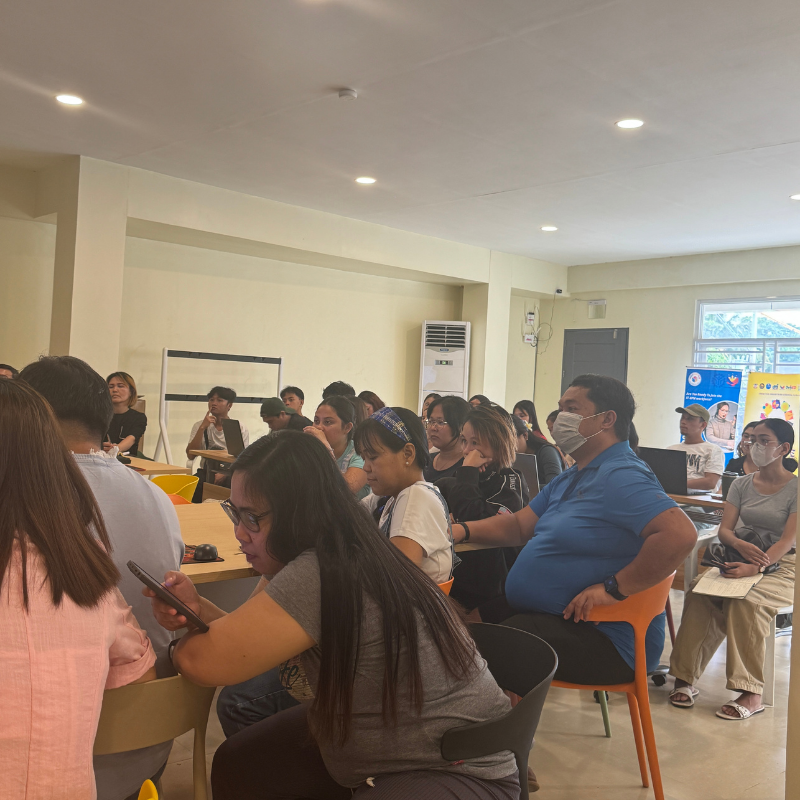
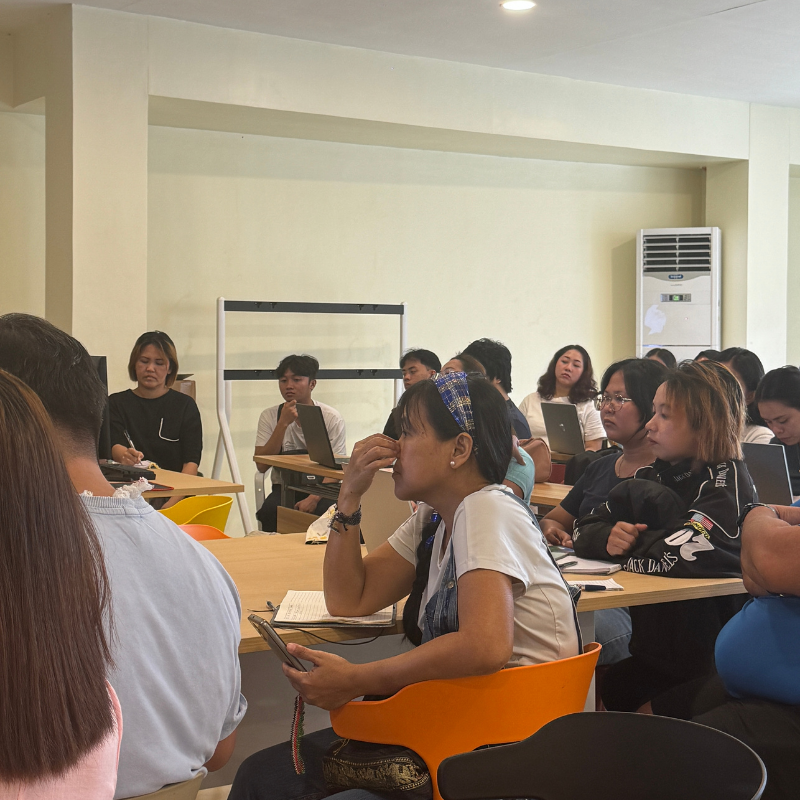
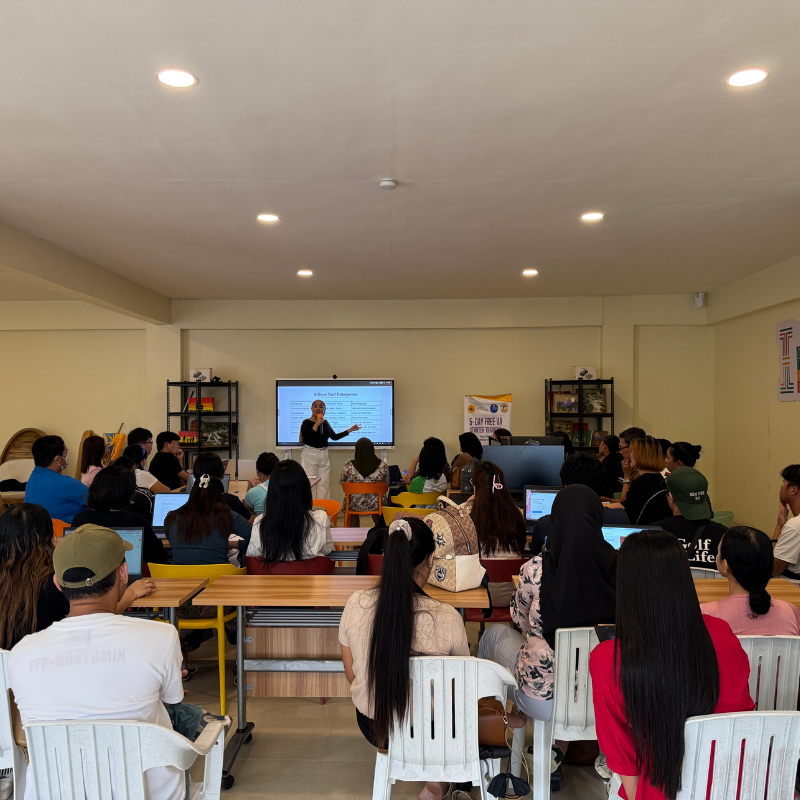
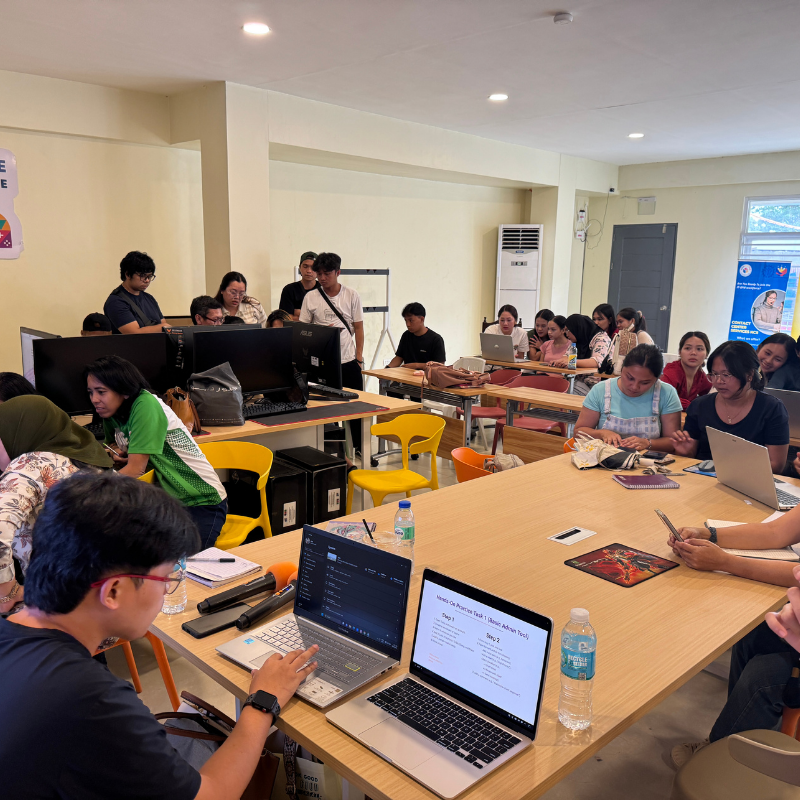
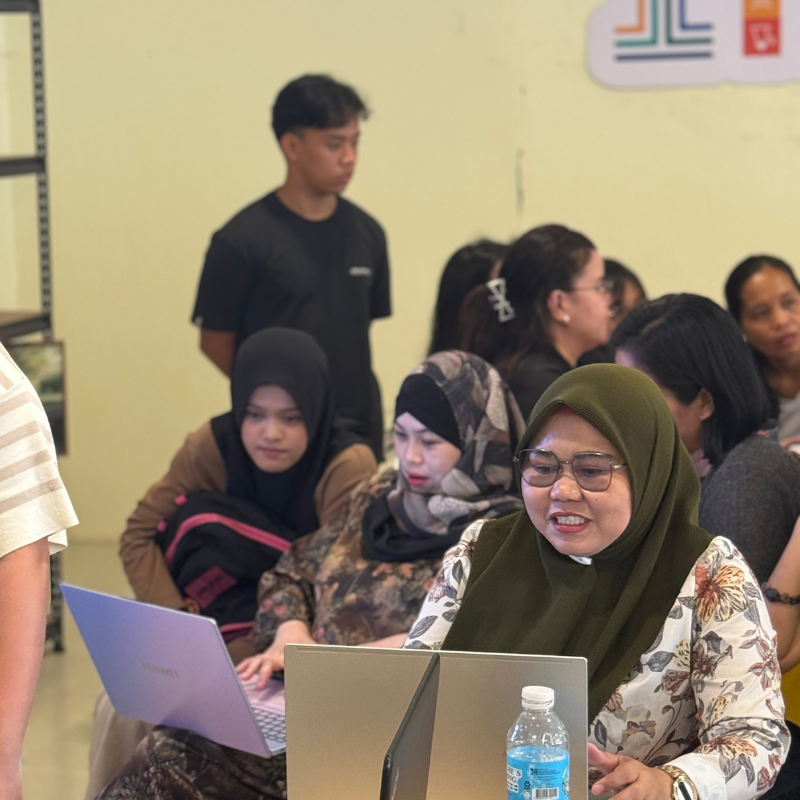
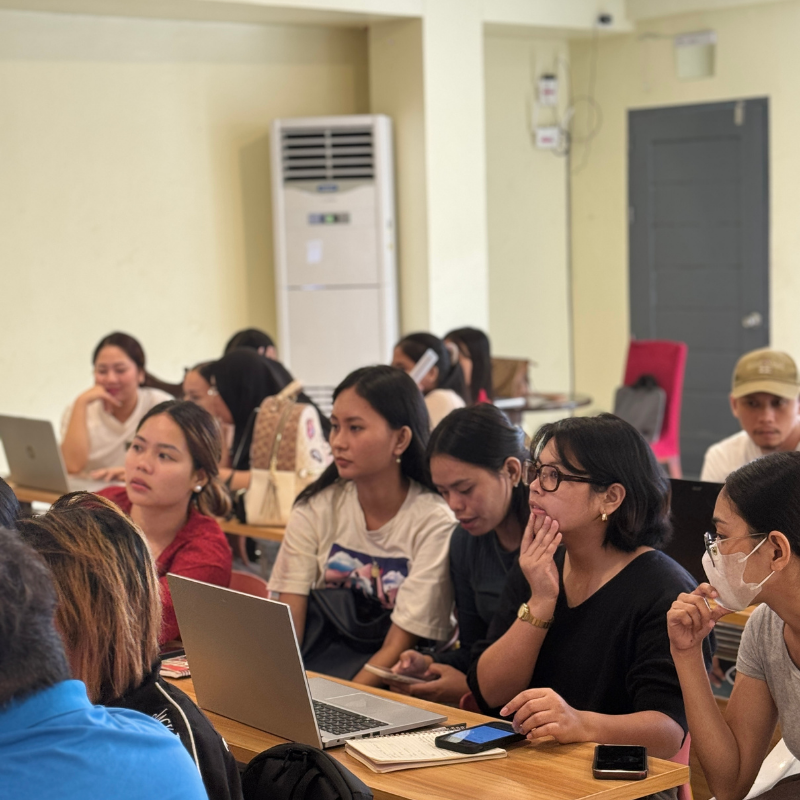
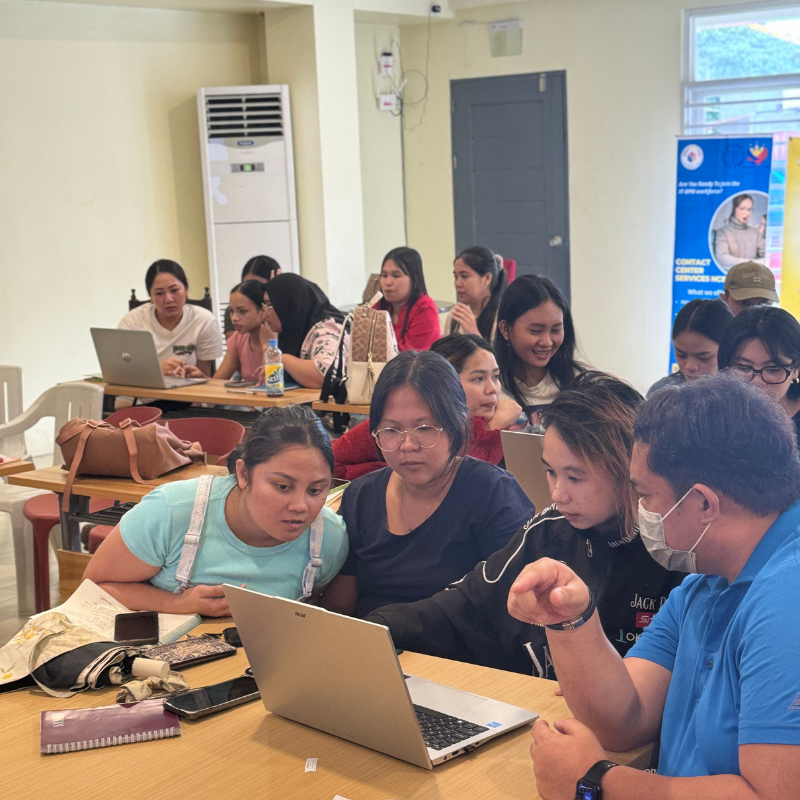
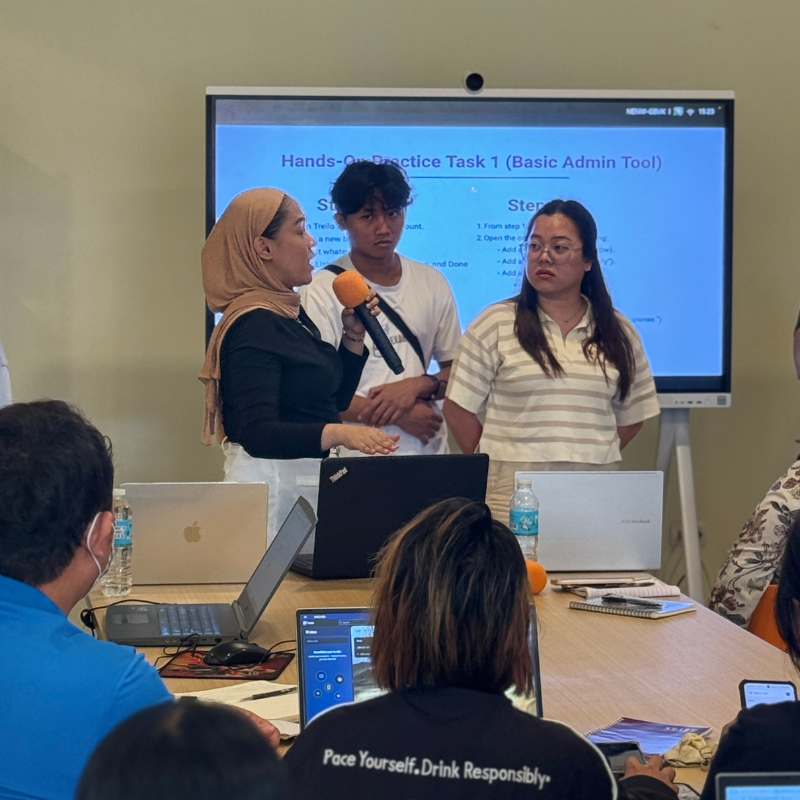
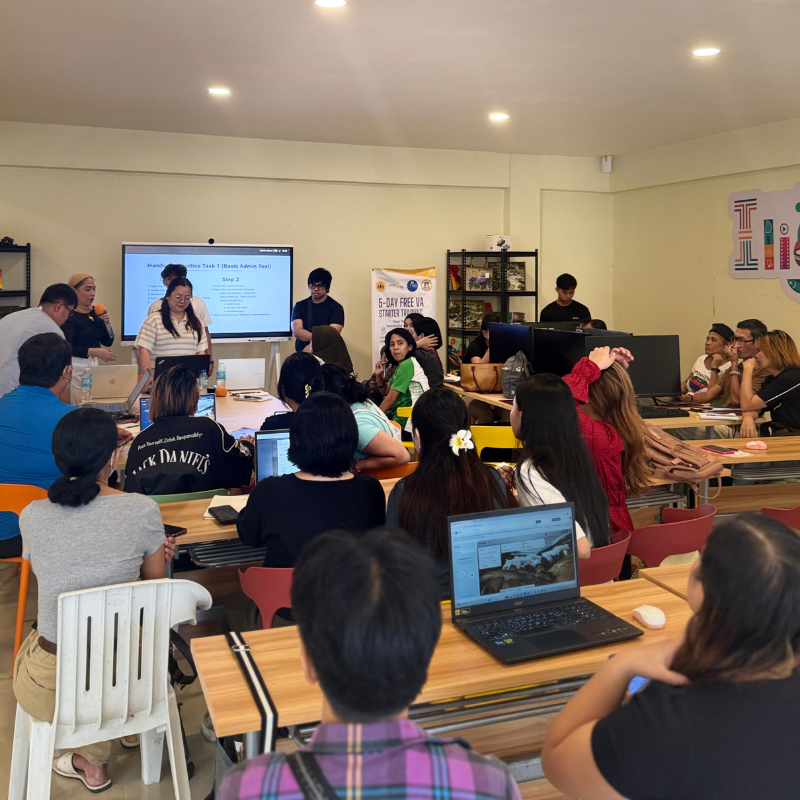
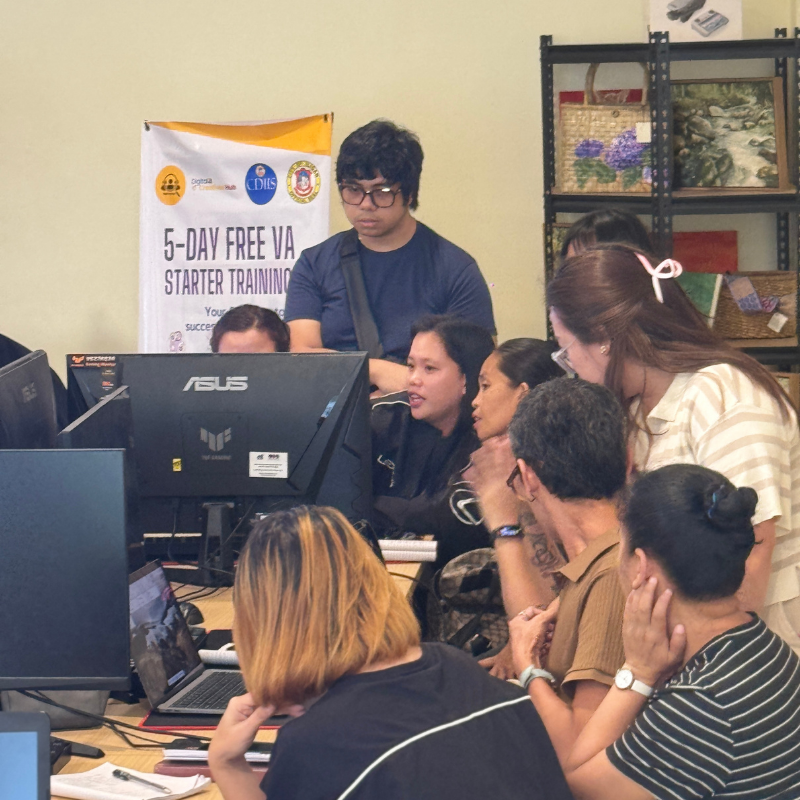
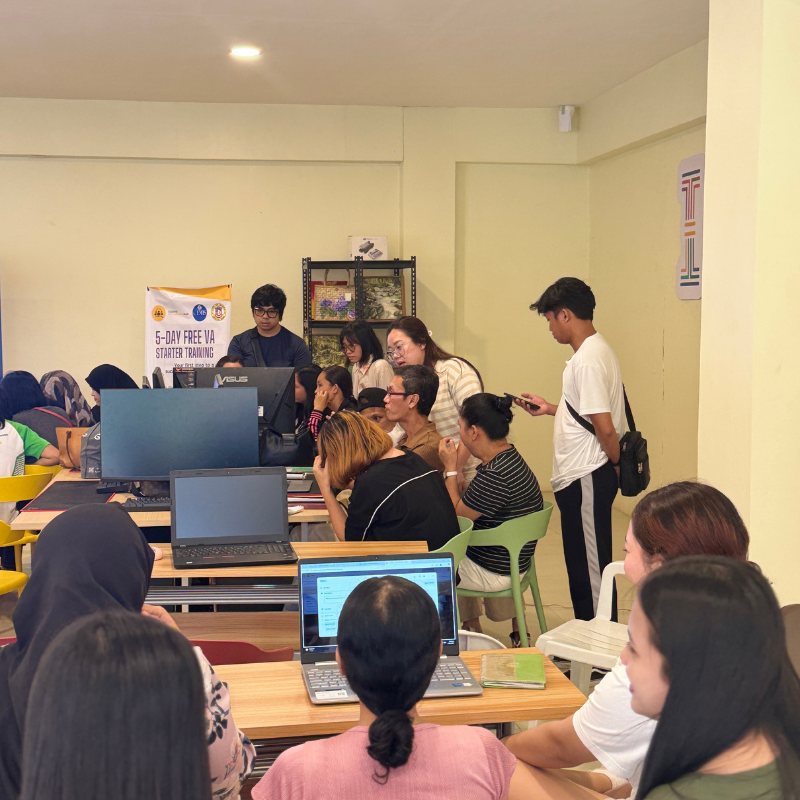
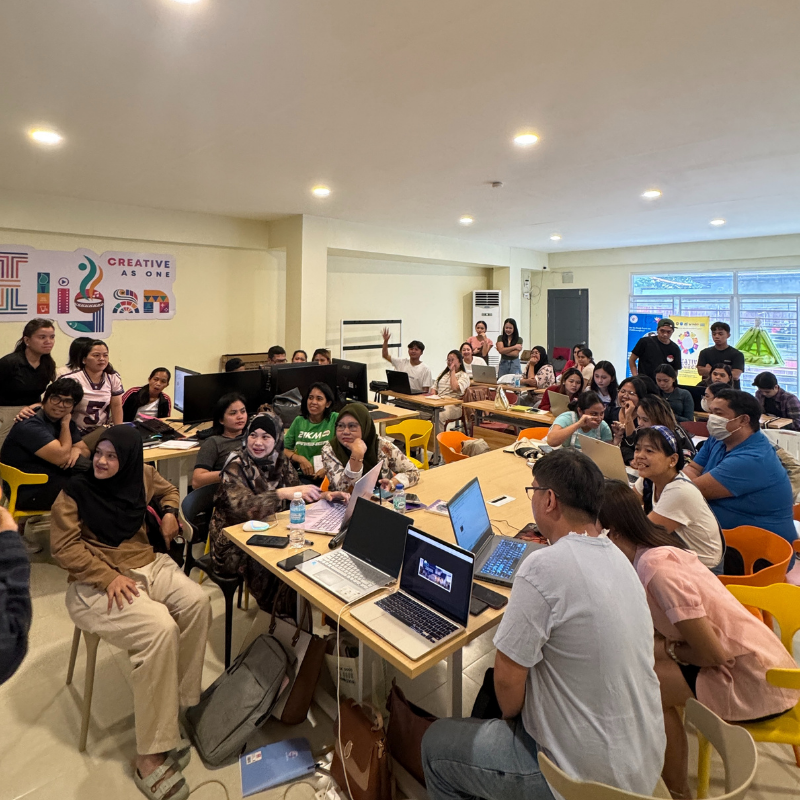
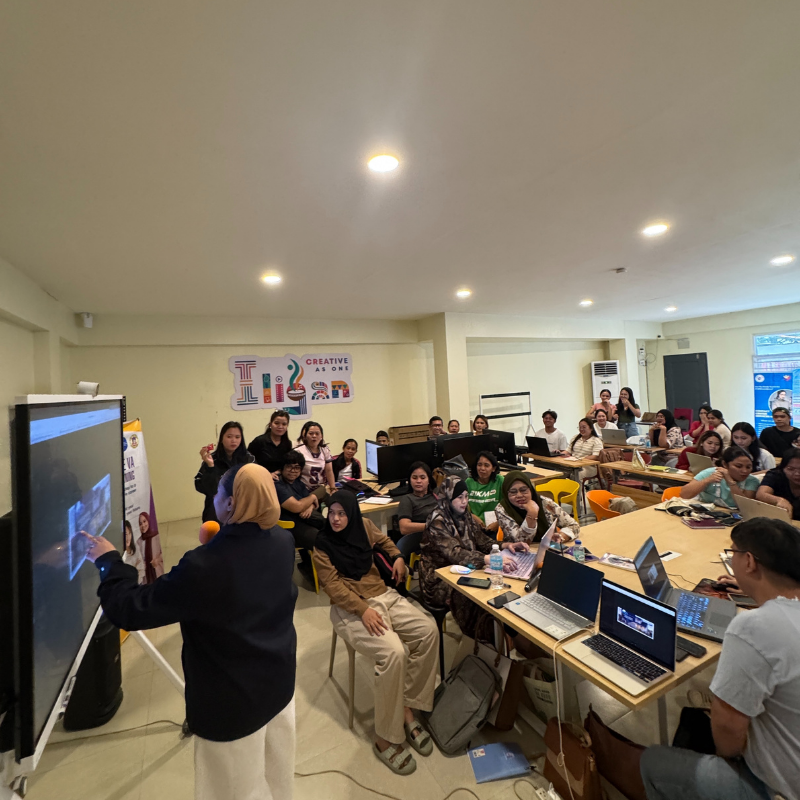
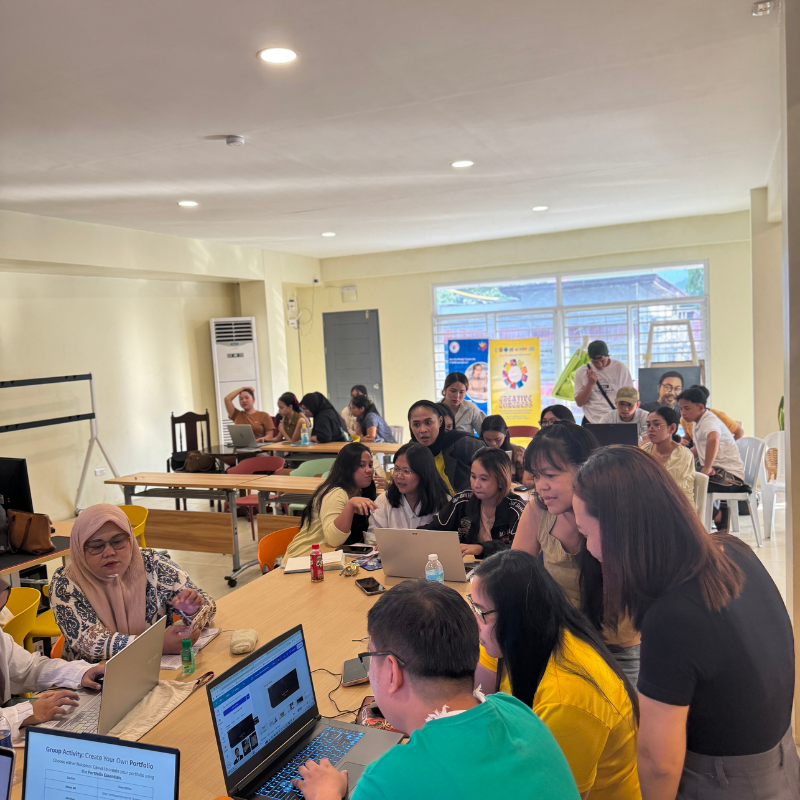
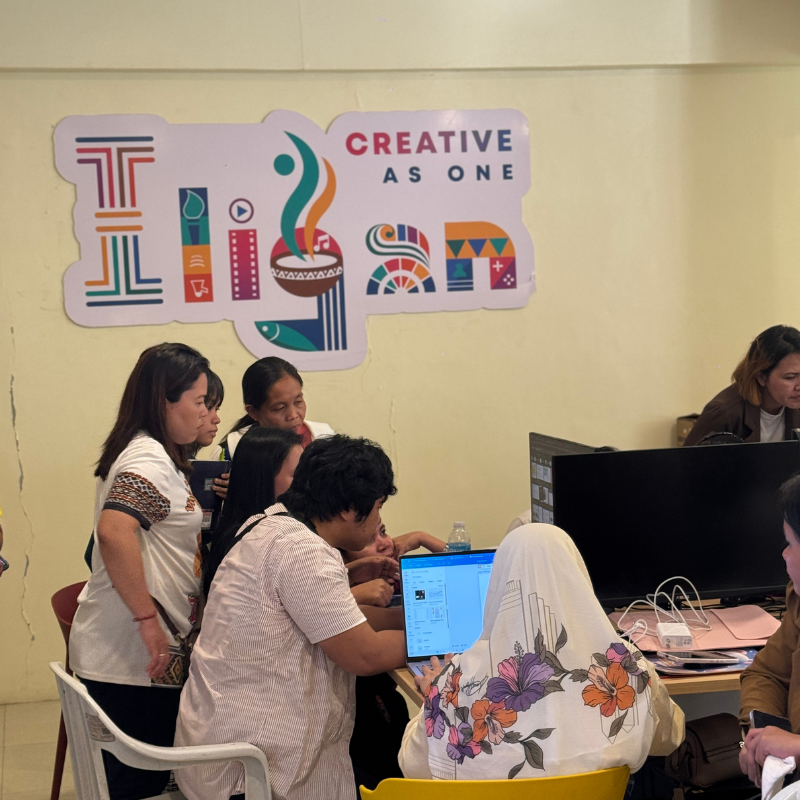
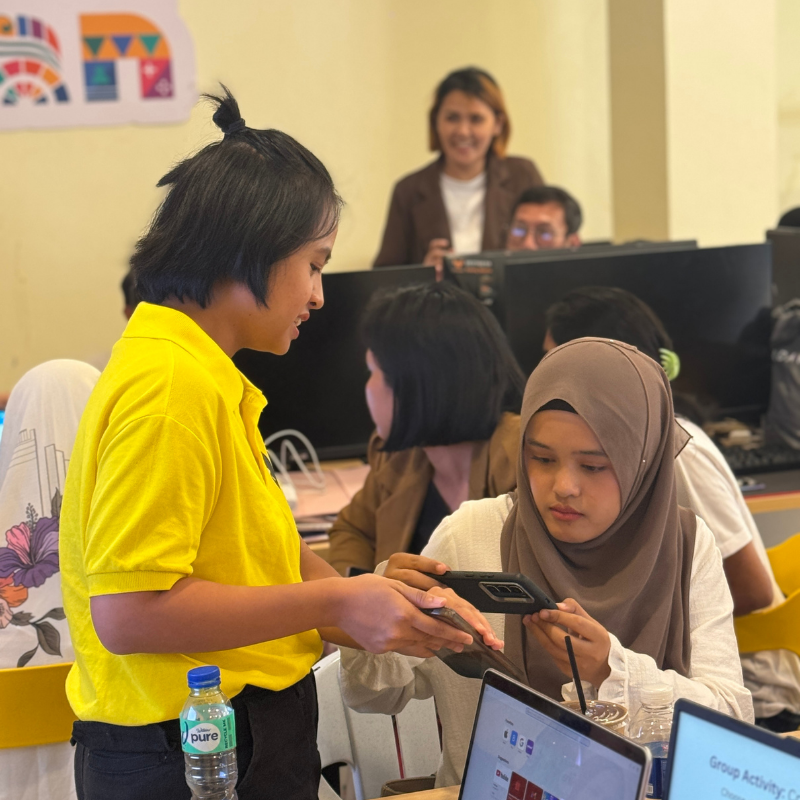
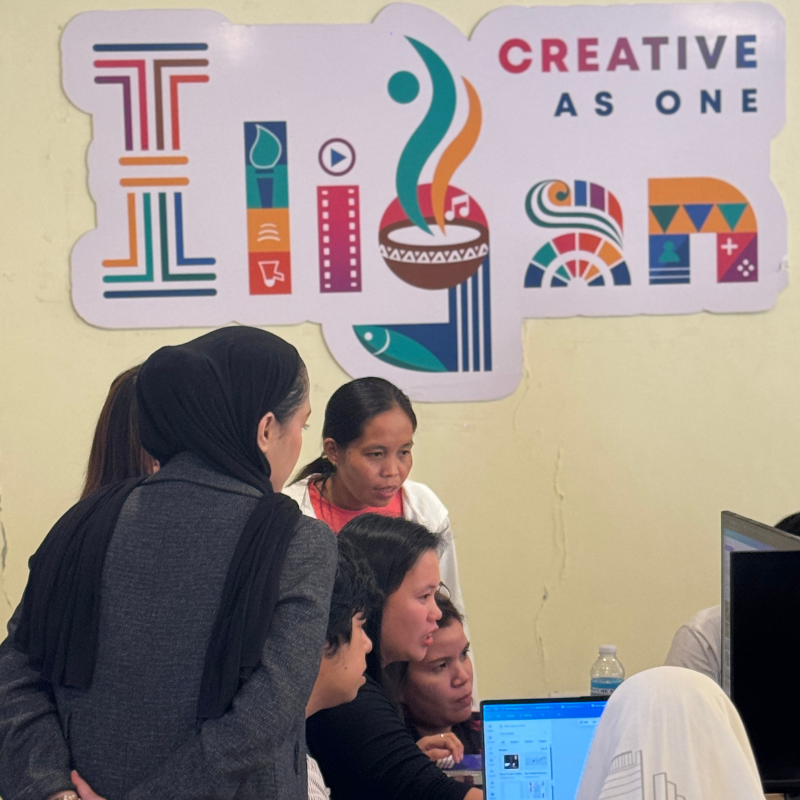
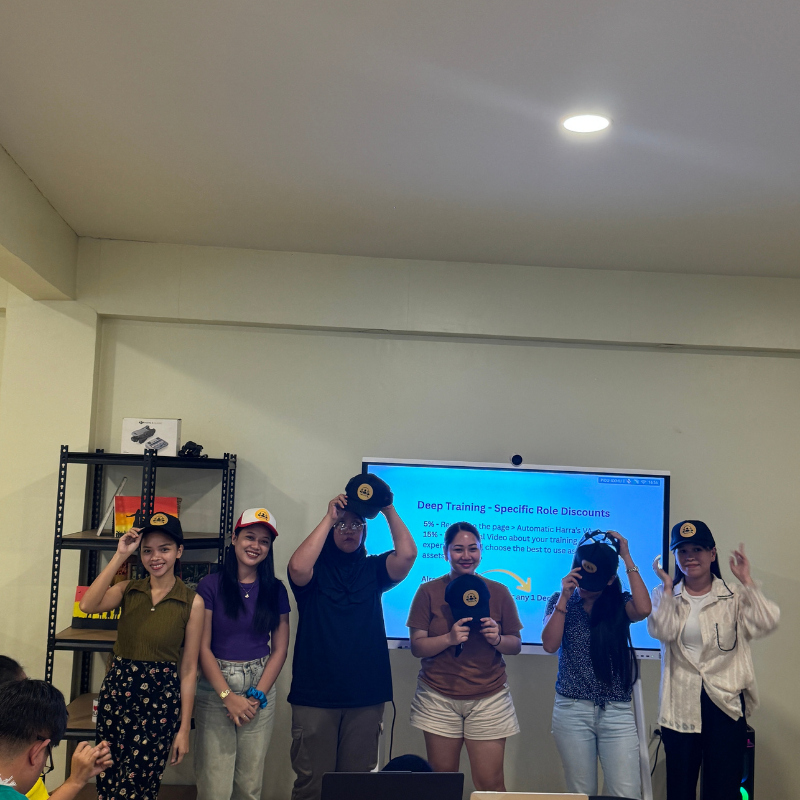
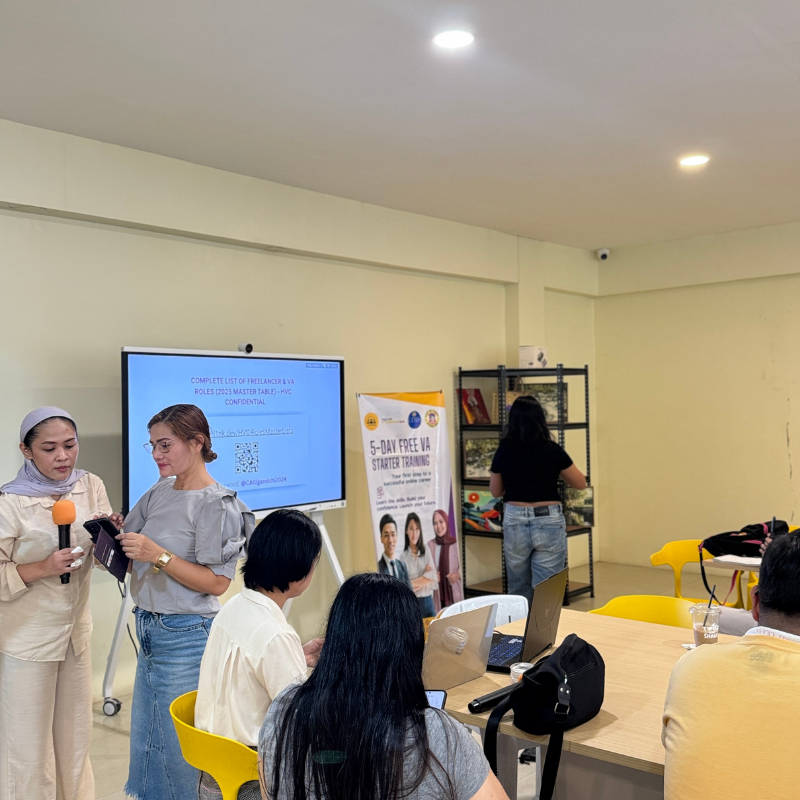
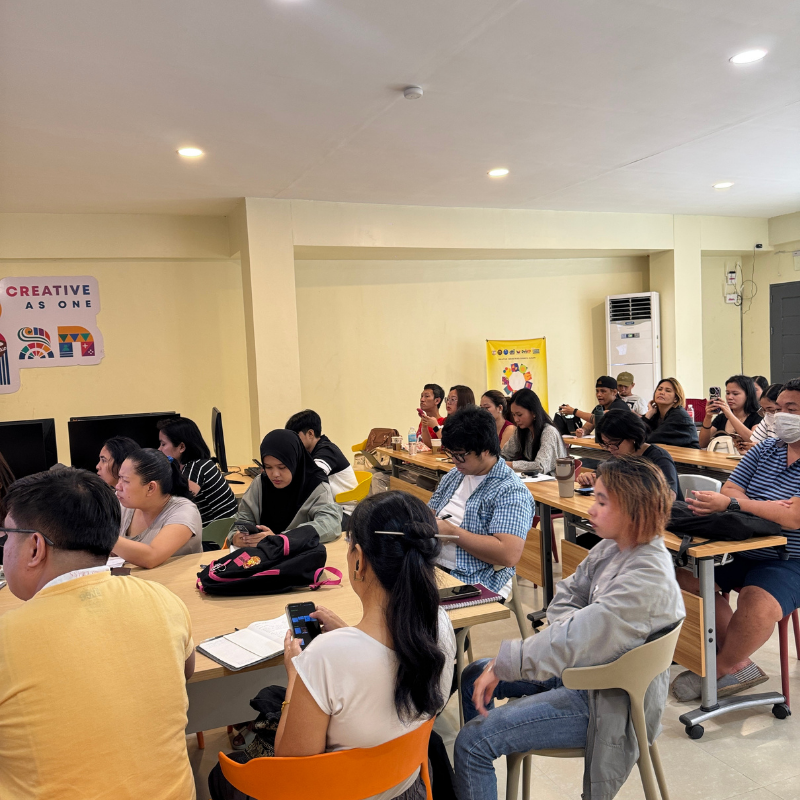
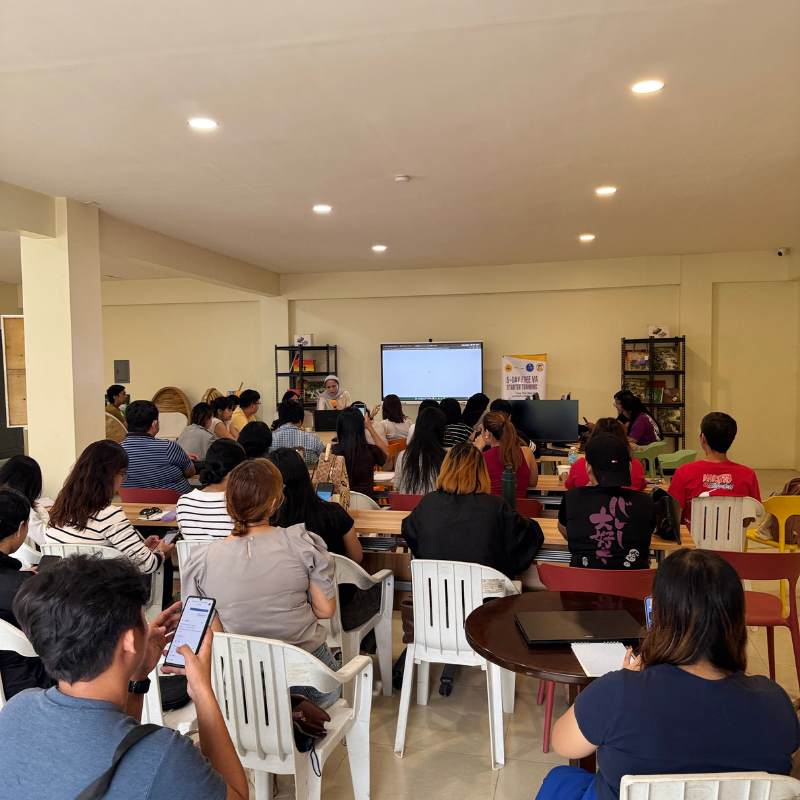
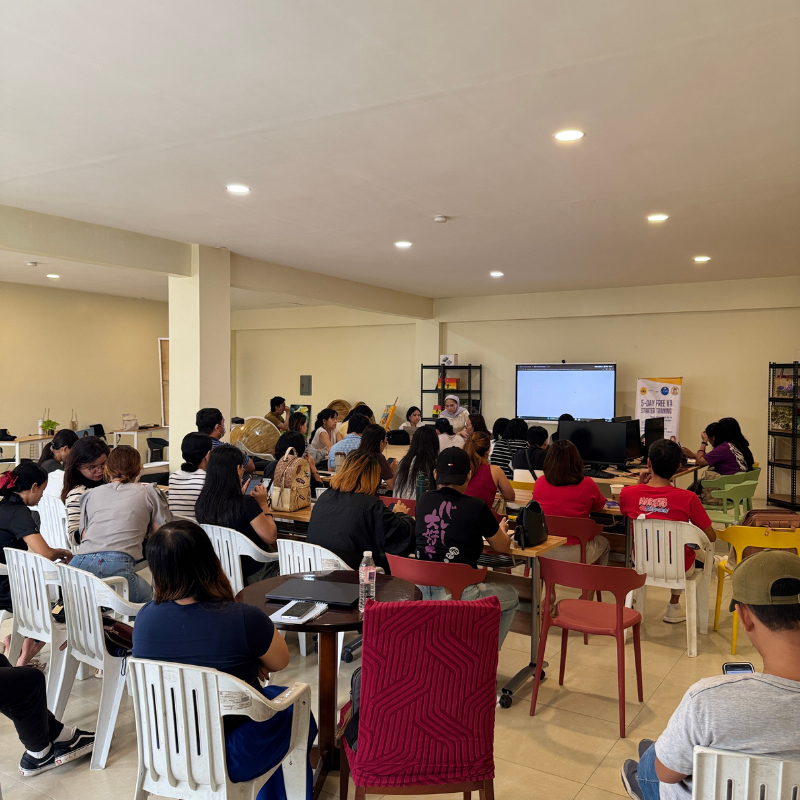
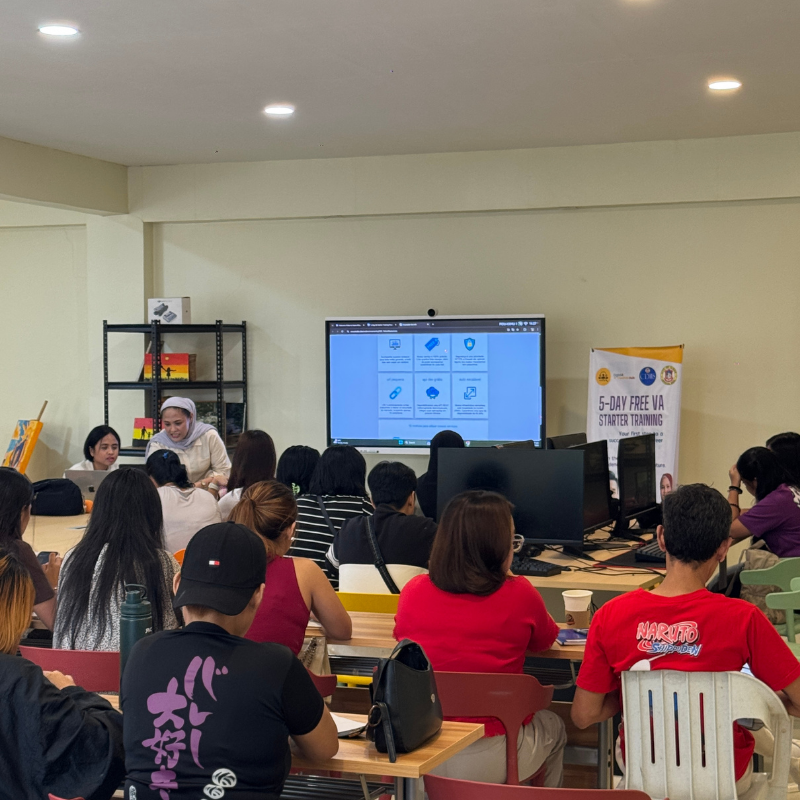
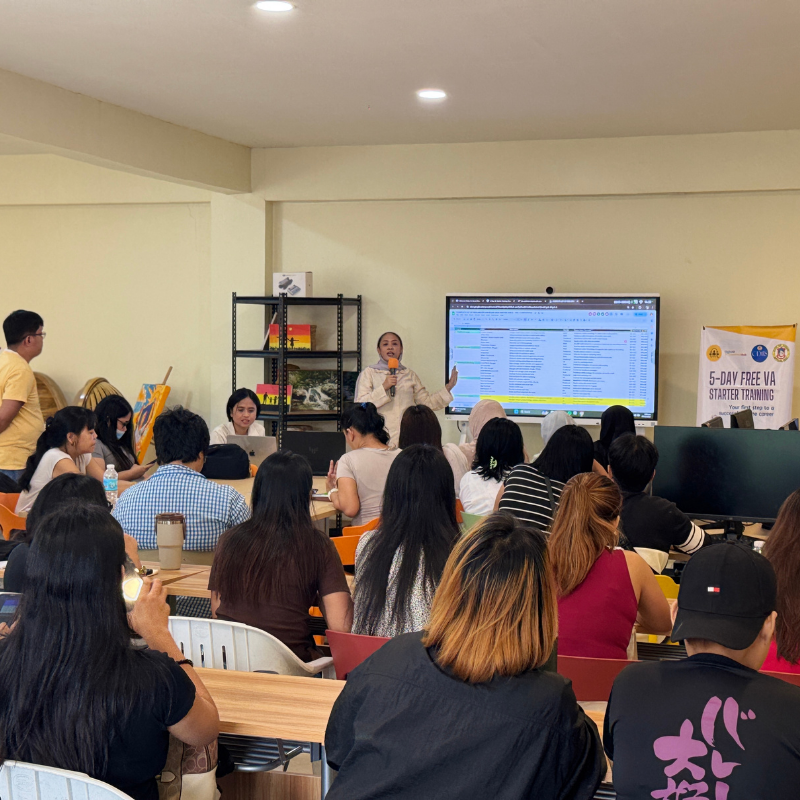
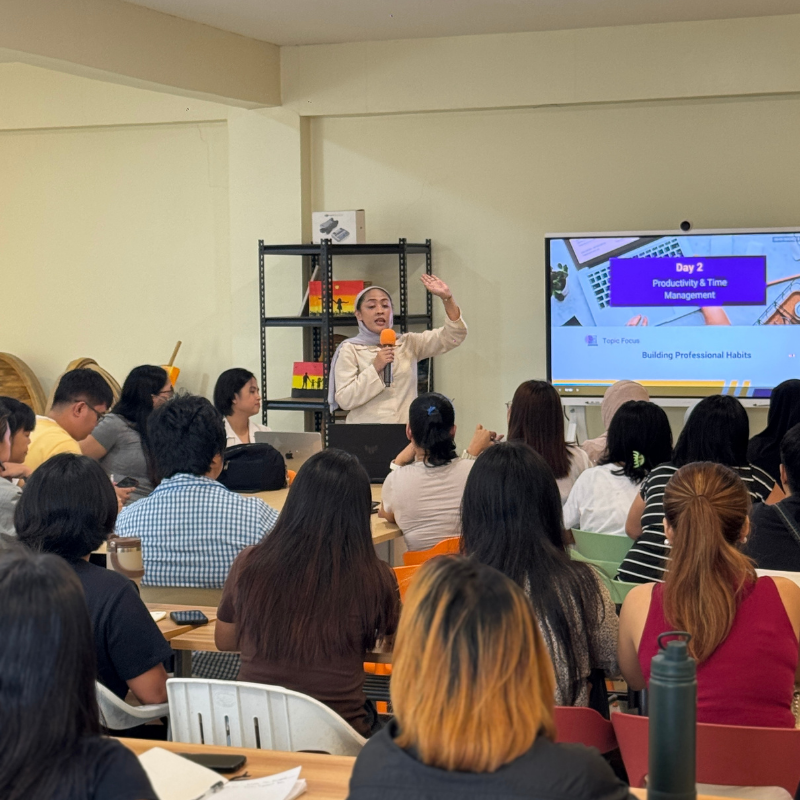
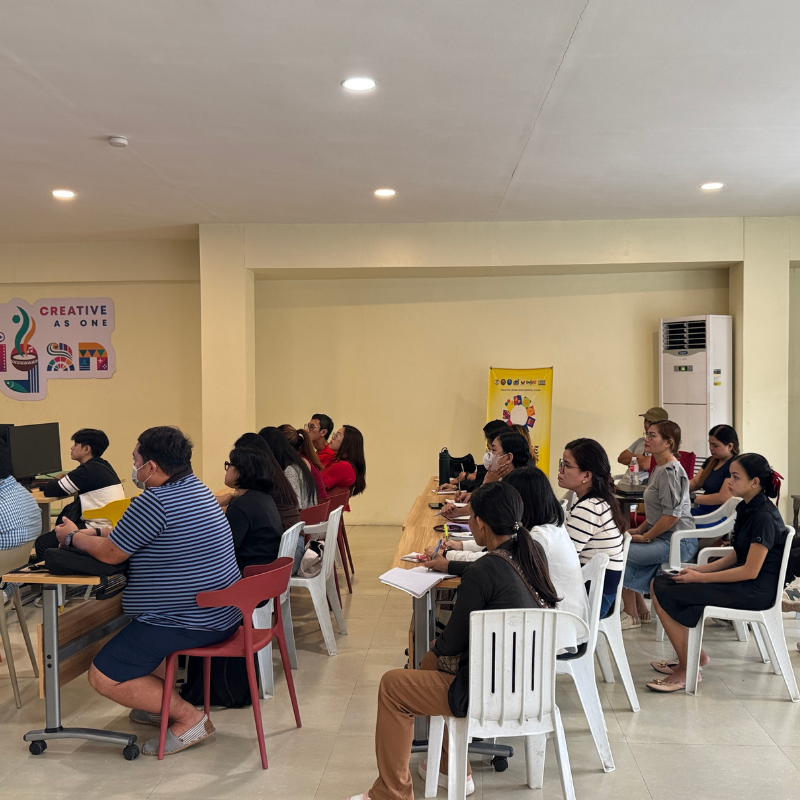
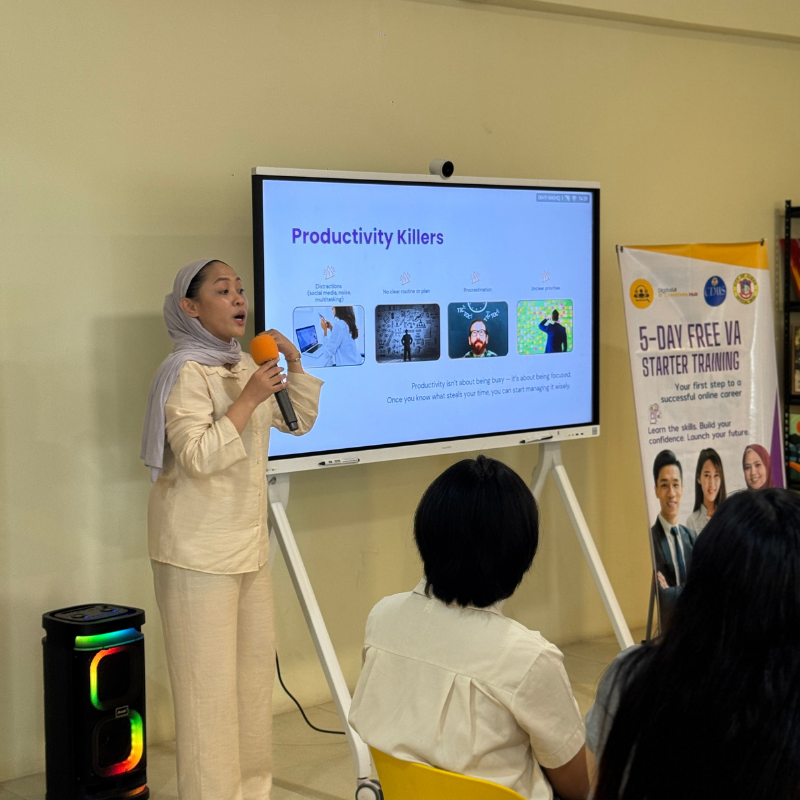
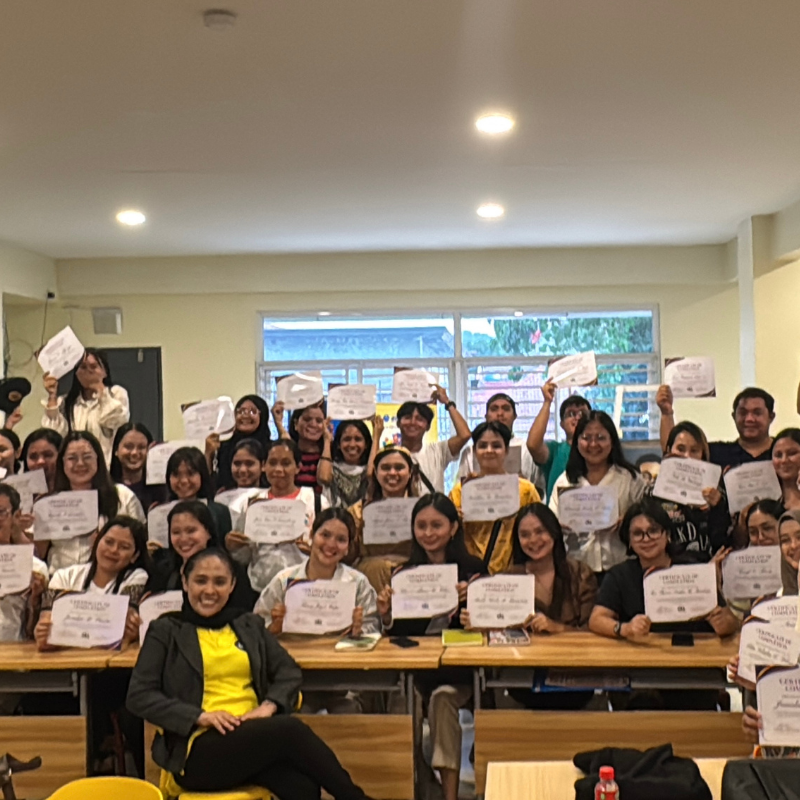
See Our Past Trainings in Action!
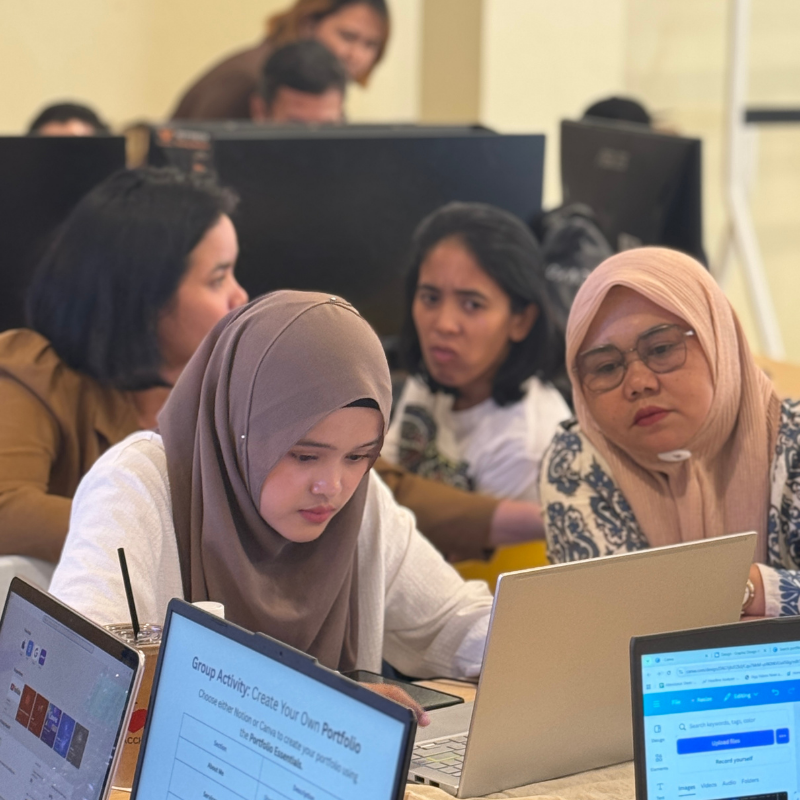
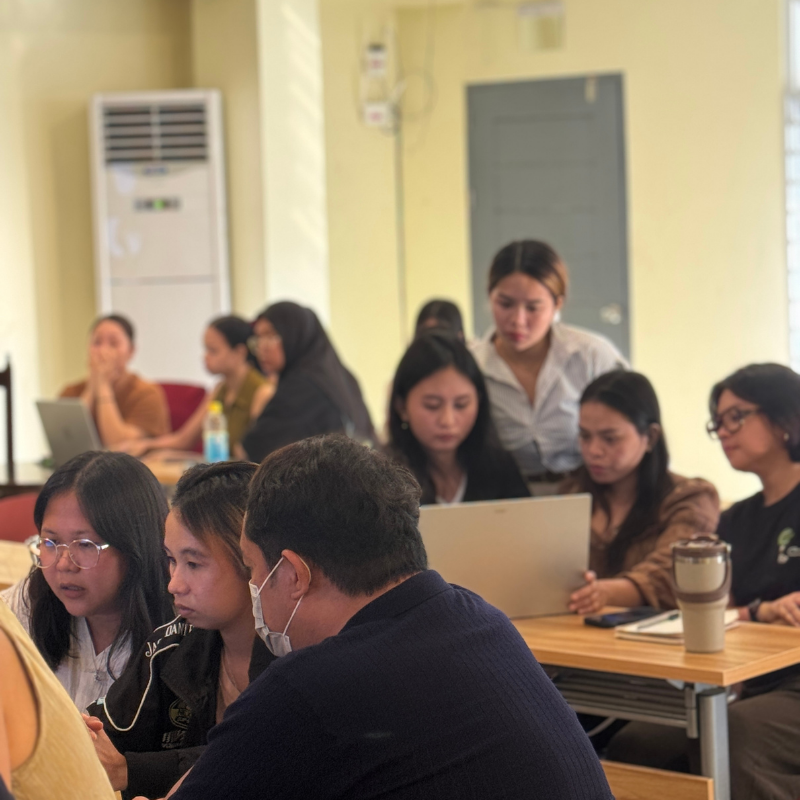
Real learning. Real people. Real growth. Our past participants from Iligan City successfully completed their 5-Day Training — and now it’s your turn to take the next step, wherever you are in the Philippines!

Meet Our Trainers

Jin Nisperos
Art director

Harra D. Mandangan
sales leader/virtual experts pro/operations guru

Raphael Miguel Actub
SEO GURU